

This week, my focus shifts outward.
Up to this point, ZooBC has been about getting the protocol right: consensus, networking, security, wallets. But a blockchain that only its creator can use is not a platform. It is a project. For ZooBC to matter, developers need clear, stable ways to interact with it.
So this phase is about interfaces.
Not user interfaces, but developer ones.
A REST API That Tells the Truth
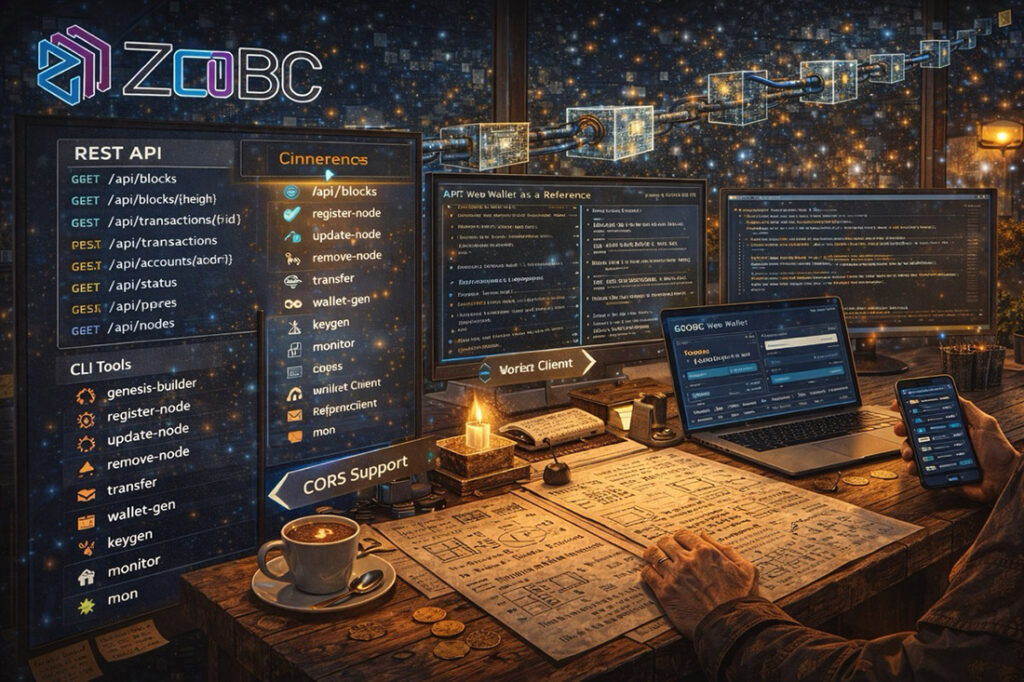
The foundation is a REST API that exposes chain data and node state over plain HTTP. No tricks, no hidden behavior, no “special” endpoints only insiders know about.
The API gives direct access to what a node knows:
GET /api/blocks
List recent blocksGET /api/blocks/{height}
Retrieve a specific block by heightGET /api/transactions/{id}
Fetch a transaction by IDPOST /api/transactions
Submit a signed transactionGET /api/accounts/{addr}
Account balance and transaction historyGET /api/status
Node status and sync stateGET /api/peers
Currently connected peersGET /api/nodes
Registered blocksmiths
Every endpoint is deterministic. Responses are structured, documented, and versioned. If a node returns something, it can be verified independently against chain data.
The API does not try to be clever. It tries to be reliable.
CLI Tools for Real Work
Not every developer wants a browser. Sometimes you want a terminal, a script, or a cron job.
ZooBC includes 19 command-line tools that cover the most common operational and development tasks. They are small, focused, and composable.
Some of the most used ones include:
genesis-builder
Create genesis configurationsregister-node
Register as a blocksmithupdate-node
Update node informationremove-node
Unregister from the networktransfer
Send ZBC tokenswallet-gen
Generate wallet keyskeygen
Generate raw keypairsmonitor
Full-screen TUI network monitormon
Lightweight JSON monitor for scripting
These tools are not wrappers around the API. They are first-class citizens that use the same libraries as the node itself. That keeps behavior consistent and avoids “tool-only” bugs.
The Web Wallet as a Reference Client
The web wallet is not just a user-facing application. It is also a reference client for developers.
It is a pure HTML and JavaScript application. No server-side code. No backend services. All signing happens in the browser, using the same rules the node enforces.
It demonstrates how to:
- Derive multiple accounts using HD wallets
- Handle ZBC, Ethereum-style (0x), and Bitcoin address formats
- Query balances and transaction history
- Build and submit escrowed transactions
- Attach messages to transactions
Because it connects to any node’s API, developers can point it at their own nodes and immediately see how the protocol behaves from the outside.
CORS and Cross-Origin Reality
In the real web, cross-origin access matters.
ZooBC nodes support configurable CORS headers, allowing browser-based applications to connect directly to node APIs when appropriate. This keeps deployment flexible. A developer can host a frontend anywhere and talk to any node they trust.
Combined with the gateway described earlier, this makes it possible to build real web applications on top of ZooBC without inventing new infrastructure.
Lowering the Barrier to Entry
As I sit in my lab, holiday season quiet outside, testing these tools one by one, something becomes clear.
This work is not about adding features. It is about removing friction.
Every clear endpoint, every documented CLI command, every example that actually works lowers the barrier for someone else to build on ZooBC. That is how ecosystems form. Not through announcements, but through usable surfaces.
This week, ZooBC becomes less of a system you run and more of a platform you build on.
And that is the point.